
Whether you’re tracing complex circuit diagrams, simulating breadboards, or just trying to survive a 3 hour Multivariable Calculus lecture, your choice of tech matters. In 2026, the iPad has moved beyond being a luxury notebook to a legitimate engineering companion.
However, not every iPad is built for the rigors of an Electrical Engineering (EE) degree. You need a device that can handle multitasking between a textbook, a circuit simulator, and a scientific calculator without breaking a sweat.
Here is the definitive guide to the best iPads for electrical engineering students in 2026.
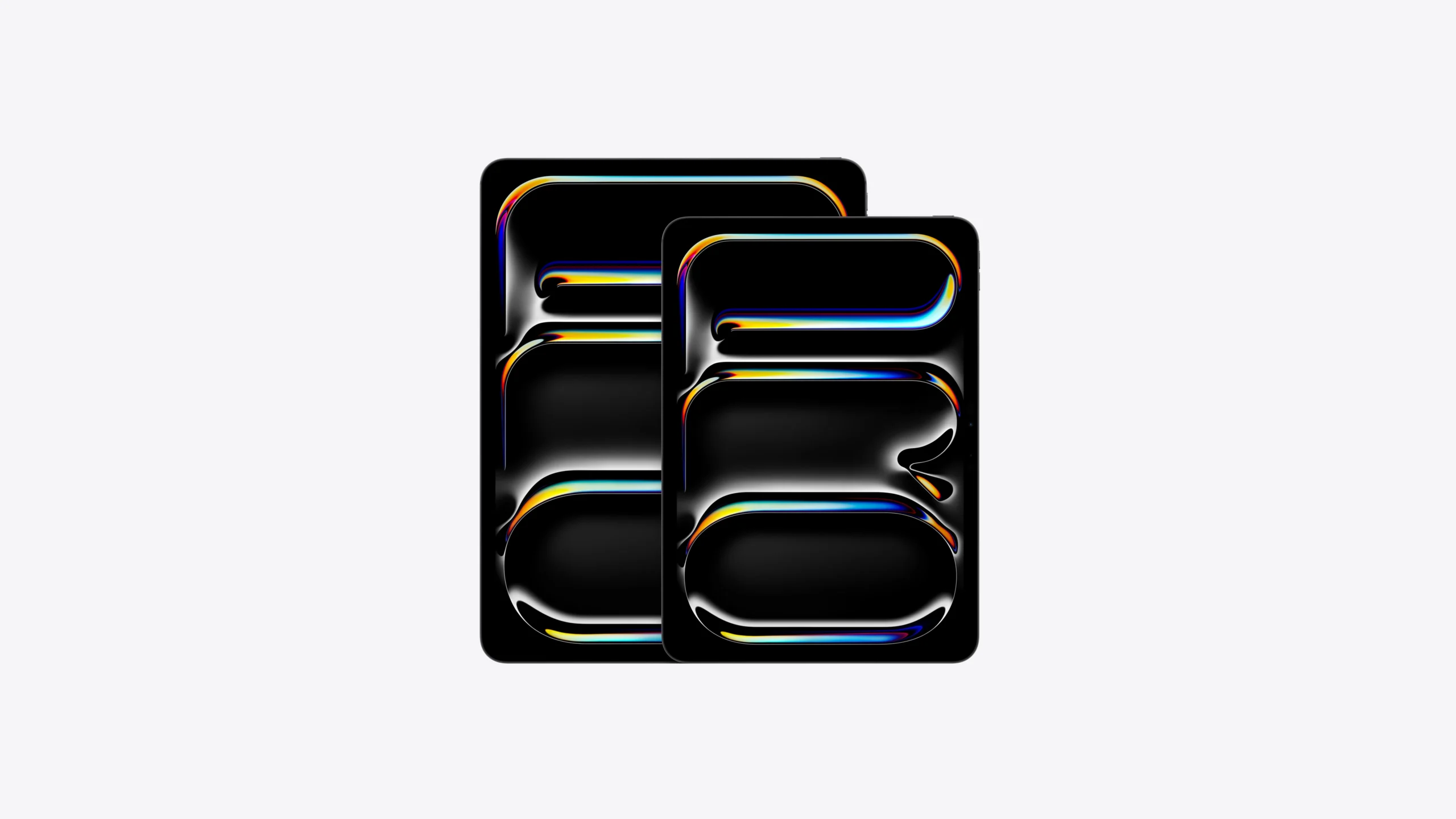
- The Powerhouse: iPad Pro 11inch or 13inch (M5 Chip)
If your budget allows, the iPad Pro with the M5 chip is the gold standard. For an EE student, the Pro moniker isn’t just marketing, it’s about the hardware overhead required for heavy duty apps.
- The Display (ProMotion): The 120Hz ProMotion display is a game changer for notetaking. When you’re drawing intricate schematics, the near zero latency makes it feel like actual ink on paper.
- The M5 Processor: While most apps don’t max out the M5 yet, having this much power ensures that even the most bloated PDF textbooks or complex simulations in iCircuit run flawlessly.
- Thunderbolt Port: This allows you to plug into external monitors in the lab or at home, effectively giving you a desktop class workstation for viewing large scale PCB designs.
Pro Tip: Go for the 11inch if you value portability between labs; choose the 13inch if you plan on using Split View to keep your lab manual open on one side and your notebook on the other.
- The Best Value iPad Air 11inch (M4 Chip)
Freshly updated for 2026, the iPad Air with the M4 chip is arguably the most sensible choice for the average student. It bridges the gap between the entry level model and the overkill Pro.
- Pencil Pro Support: The Air now supports the Apple Pencil Pro, giving you features like Squeeze to switch toolsperfect for toggling between a pen and an eraser while deriving Maxwell’s equations.
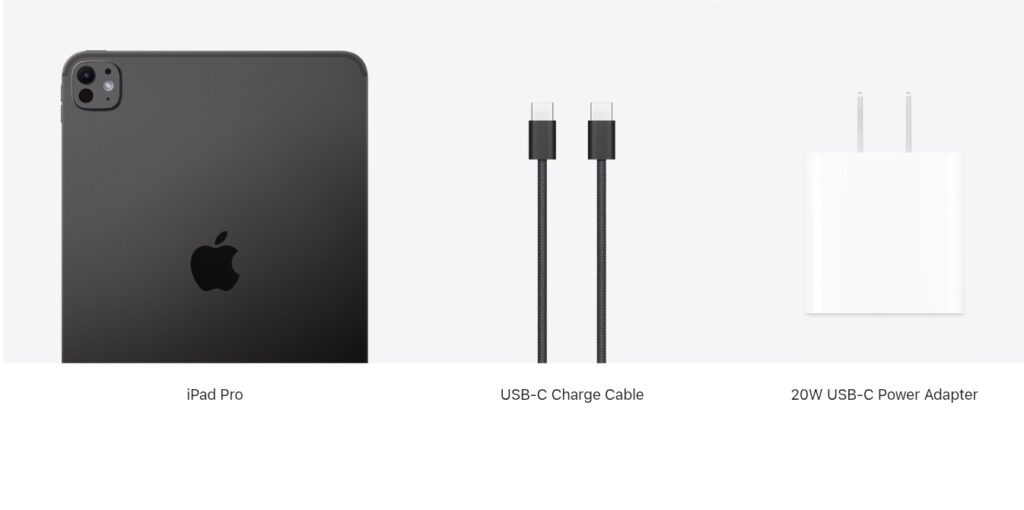
- M4 Performance: The M4 chip is more than capable of handling 2026’s AIdriven features in iPadOS, including Math Notes, which can solve handwritten equations in real time.Price to Performance: You get about 85% of the Pro’s capability for roughly 60% of the price.
3. The Portability King iPad Mini (A17 Pro/7th Gen)
Don’t sleep on the Mini. While the screen might feel cramped for a primary device, it is the ultimate secondary tool for lab work.
- Lab Coat Compatibility: It actually fits in a standard lab coat pocket. If you’re frequently moving between test benches and oscilloscopes, having a small digital notebook for quick data logging is incredibly helpful.
- Apple Intelligence: Despite its size, it supports the latest AI features, helping you summarize long research papers or lecture transcripts on the fly.
Must Have EE Apps for Your iPad
An iPad is only as good as the software you put on it. For an EE student, these are non-negotiable
| App Category | Top Recommendation | Why You Need It |
| Circuit Simulation | iCircuit | Realtime simulation with vir tual multimeters and oscilloscopes. |
| Calculations | EE ToolKit PRO | A massive database of component specs, color codes, and formulas. |
| Note Taking | Notability / GoodNotes | Essential for importing PDF assignments and writing over them. |
| CAD/Drafting | AutoCAD / ArcSite | For viewing and lightly editing 2D schematics or floor plans. |
The Verdict: Which should you buy?
- Buy the iPad Pro M5 if you want the best possible note-taking experience and plan to use the iPad as your main computer alongside a desktop at home.
- Buy the iPad Air M4 if you want a reliable, powerful machine that will last your entire four year degree without costing a fortune.
- Buy the iPad (Base Model) only if you are on a very tight budget and primarily need it for reading PDFs and basic sketching.
One final word of advice: An iPad is a companion, not a replacement for a laptop in EE. You will still need a Windows or Mac machine for specialized software like Altium Designer, LTspice, or Think of the iPad as your Digital Paper and the laptop as your Workstation.
Would you like me to help you compare the specific technical specs of the M4 Air and M5 Pro to see which fits your workflow better?
The Best iPad for Every Type of Student This video provides a practical breakdown of how different iPad models perform in a college environment, which is helpful for deciding which size and power level fits an engineering student’s workload.
Must Read:
Best Ipads For EngineeringStudents

Hi, I’m Kush Kumar—a lifelong tech explorer and gadget enthusiast. My journey began in the Windows XP era, where hands-on troubleshooting taught me the value of practicality in tech. That early curiosity shaped how I test and review products today—focusing on real-world usability over specs alone. Over the years, I’ve personally tested 1,000+ tech products, from retro gaming setups (yes, including the first Super Mario!) to modern laptops and software. One years ago, I ran a YouTube channel (@mrtech9955) with 20+ tech tutorials, but life got busy. Now, I’m sharing that knowledge here—cutting through the jargon to help you make smarter tech choices. My goal is Helping you find tech that you need.