
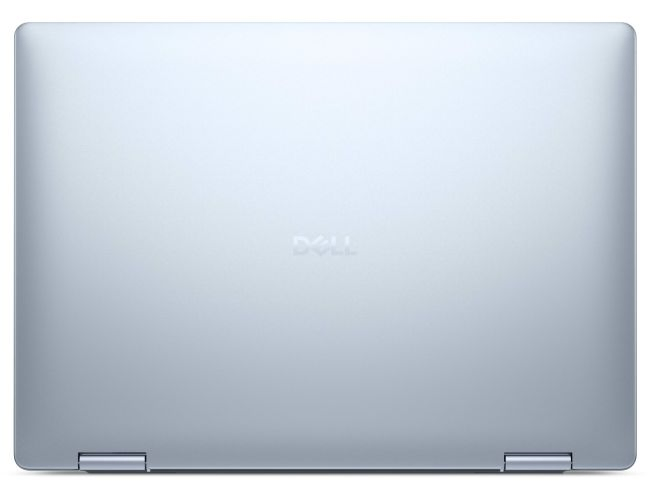
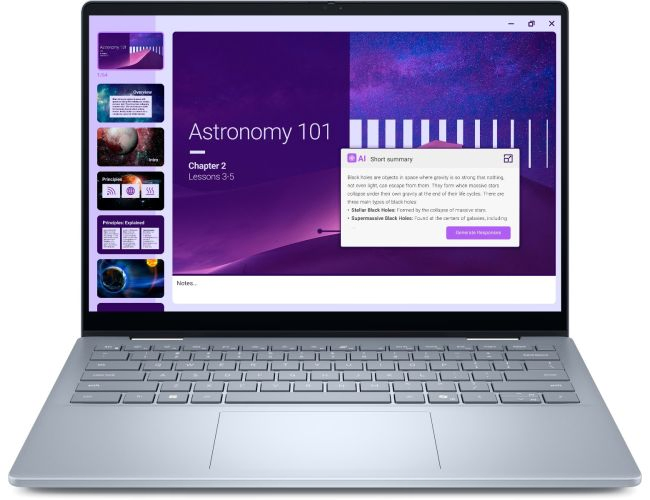
Looking for a versatile laptop that handles work, creativity, and AI tasks smoothly? The Dell Inspiron 14 Plus 2-in-1 might just be your perfect match. With a sleek design, strong performance, and a flexible hinge, it’s great for professionals, students, and AI enthusiasts.
In this detailed review, we’ll break down its specs, performance, pricing, and best uses, especially for AI-related work. Let’s dive in!
Key Specifications at a Glance
| Feature | Details |
|---|---|
| Display | 14-inch FHD+ (1920 x 1200) Touchscreen, 60Hz, 300 nits |
| Processor | 13th Gen Intel Core i5/i7 or AMD Ryzen 7 (varies by model) |
| Graphics | Intel Iris Xe / NVIDIA GeForce MX550 (optional) |
| RAM | Up to 16GB LPDDR5 (soldered) |
| Storage | Up to 1TB PCIe NVMe SSD |
| Battery | 64Whr, up to 10 hours (claimed) |
| OS | Windows 11 Home/Pro |
| Weight | ~1.6 kg (3.5 lbs) |
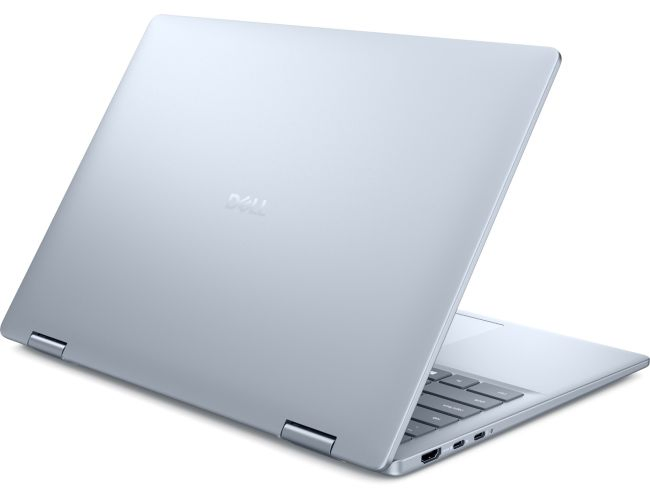
| Ports | 2x Thunderbolt 4 (USB-C), 2x USB-A, HDMI, microSD slot, headphone jack |
| AI Features | Windows Studio Effects (AI noise cancellation, background blur) |
Best Uses: Who Should Buy It?
1. AI Enthusiasts & Programmers
- Runs Python, TensorFlow (light models), and AI chatbots smoothly.
- Good for data analysis, coding, and AI prototyping.
2. Students & Professionals
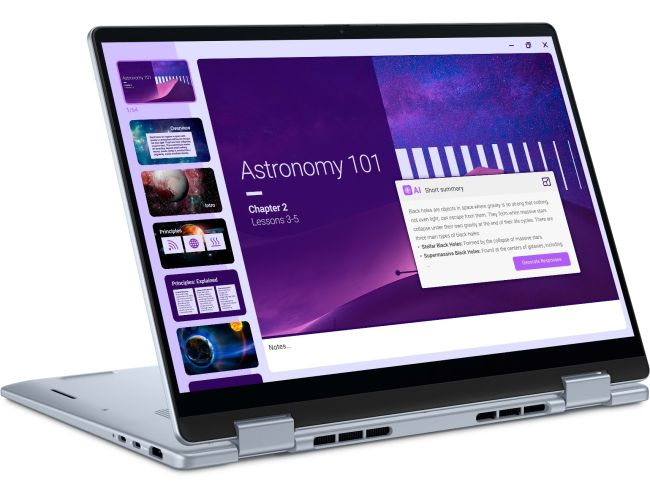
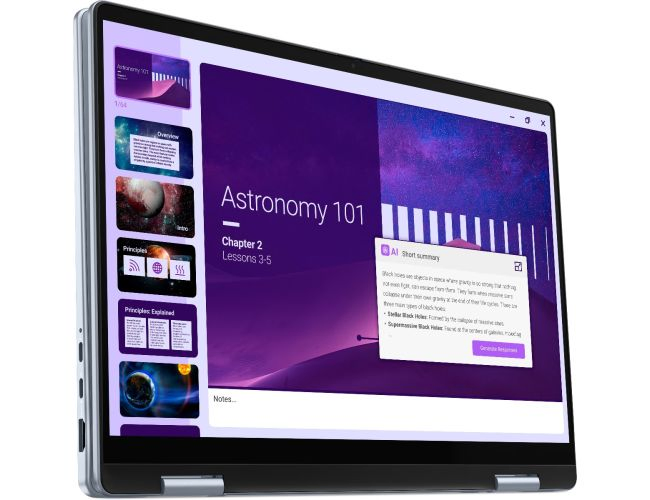
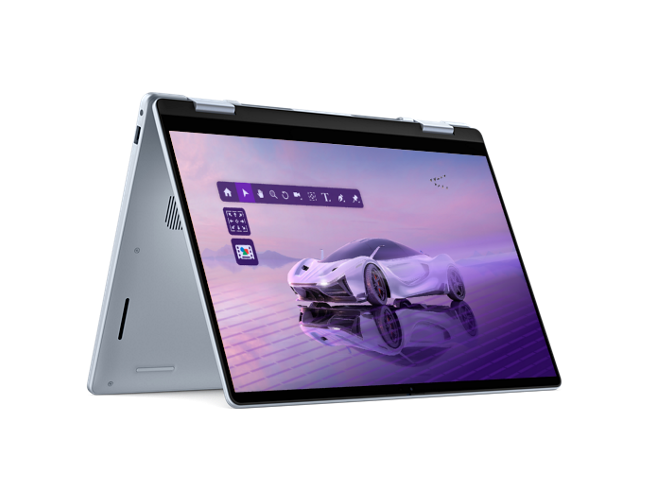
- 360° hinge makes it great for note-taking and presentations.
- Lightweight enough for daily commuting.
3. Content Creators (Light Editing)
- Handles Photoshop, Premiere Pro (basic edits), and AI art tools well.
- Touchscreen helps with digital sketching.
Performance: Smooth for Work & AI Tasks
1. Processing Power
- The 13th Gen Intel Core i7 (or Ryzen 7) ensures fast multitasking.
- Handles AI tools (like ChatGPT, Stable Diffusion, Python coding) without major lag.
- 16GB RAM is great for running multiple apps, including AI model training (for light tasks).
2. Graphics & Display
- Intel Iris Xe is decent for light gaming and AI-based image/video editing.
- Optional NVIDIA MX550 helps with machine learning tasks (but not heavy GPU workloads).
- 300-nit touchscreen is bright enough for indoor use, and the 2-in-1 design is handy for presentations.
3. Battery Life
- Lasts 6-8 hours with moderate use (AI tools drain faster).
- Fast charging (0-80% in ~60 mins) helps when you’re on the go.
4. AI-Optimized Features
✅ Windows Studio Effects – AI-powered background blur & noise cancellation for calls.
✅ Dell Optimizer – Learns your usage patterns to boost performance.
✅ Voice Assistant Support – Works well with Cortana, Alexa, and other AI chatbots.
Pros & Cons
👍 Pros
✔ Solid build quality & premium design.
✔ Good performance for AI and daily tasks.
✔ Decent battery life with fast charging.
✔ Useful AI features for productivity.
👎 Cons
❌ No upgradable RAM (soldered).
❌ No high-end GPU option (not for heavy AI/ML workloads).
❌ Average speakers (could be better for media consumption).
Final Verdict: Should You Buy It?
If you want a well-balanced 2-in-1 laptop that handles AI tools, office work, and light creativity, the Dell Inspiron 14 Plus is a great pick. It’s not a powerhouse for deep learning or heavy gaming, but for most AI users and professionals, it’s a reliable choice.
Rating: ⭐⭐⭐⭐☆ (4/5)
Pricing: Is It Worth It?
- Starting price: ~$999 (Intel i5, 8GB RAM, 512GB SSD).
- High-end model: ~$1,499 (i7, 16GB RAM, 1TB SSD, NVIDIA GPU).
Verdict: A bit pricey, but worth it if you need a 2-in-1 with AI-friendly features.
Where to Buy?
Check the latest deals on Dell’s official store or Amazon.
Got questions? Drop them in the comments! 🚀
Yoy May Also Like:
- Samsung Galaxy Book4 Pro 14 Review 2024- 2 Month Honest Verdict!
- Asus ROG Zephyrus G14 Laptop Ryzen 9! Complete Review.

Hi, I’m Kush Kumar—a lifelong tech explorer and gadget enthusiast. My journey began in the Windows XP era, where hands-on troubleshooting taught me the value of practicality in tech. That early curiosity shaped how I test and review products today—focusing on real-world usability over specs alone. Over the years, I’ve personally tested 1,000+ tech products, from retro gaming setups (yes, including the first Super Mario!) to modern laptops and software. One years ago, I ran a YouTube channel (@mrtech9955) with 20+ tech tutorials, but life got busy. Now, I’m sharing that knowledge here—cutting through the jargon to help you make smarter tech choices. My goal is Helping you find tech that you need.